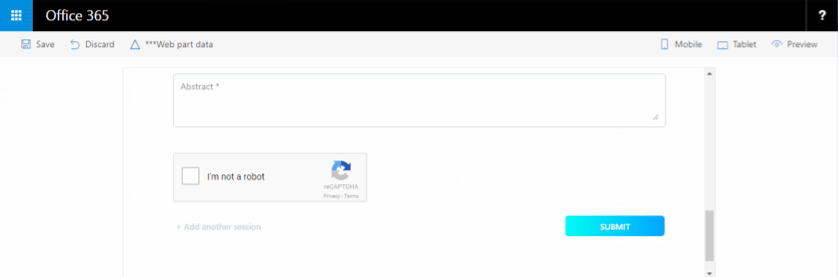
Today we could take a look on simple example how we can add Google reCAPTCHA to our SharePoint Framework (SPFx) React Web Part.
Firstly, you have to register to use reCAPTCHA API here. Choose reCAPTCHA V2. After registration save Site Key because you will need it a little bit later.
Because we chose React Framework for our SPFx Web Part we could use react-google-recaptcha npm package. We must use react-async-script too.
npm install --save react-async-script@0.8.0 react-google-recaptcha@0.8.1
Please take care with version of both npm packages. It depends from the version of React. Read about that on GitHub.
After that you could import it with that statement:
import ReCAPTCHA from 'react-google-recaptcha';
And finally you could use it inside render() method of your React Component:
<ReCAPTCHA ref={ (el) => { this.captcha = el; } }
 sitekey="{your-site-key}"
 onChange={ this.Recaptcha_onChange } />
Cheers!
Gašper Rupnik
{End.}

 RaspeR87's Blog
Leave a comment