Developing .NET Aspire inside a Dev Container (VS Code)

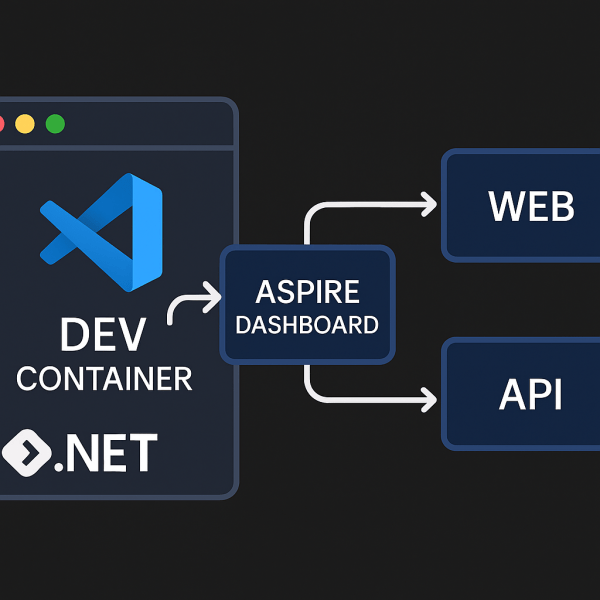
Running .NET Aspire inside a Dev Container gives you a reproducible, fully-tooled environment: Docker, .NET 9 SDK, Aspire CLI, and VS Code extensions—all preconfigured. No more “works on my machine.”

This post shows how to bootstrap an Aspire starter app and wire up a Dev Container so anyone can open the project and hit Run.

1) Create the starter app

dotnet new install Aspire.ProjectTemplates --force
dotnet new aspire-starter -n HelloAspire

You’ll get a solution with:

HelloAspire/
├─ HelloAspire.AppHost/          # Aspire orchestrator
├─ HelloAspire.ApiService/       # Minimal API
├─ HelloAspire.Web/              # Web frontend
├─ HelloAspire.ServiceDefaults/  # Shared defaults
└─ HelloAspire.sln

2) Add a Dev Container

Create .devcontainer/devcontainer.json:

// For format details, see https://aka.ms/devcontainer.json. For config options, see the
// README at: https://github.com/devcontainers/templates/tree/main/src/dotnet
{
  "name": ".NET Aspire",
  "image": "mcr.microsoft.com/devcontainers/dotnet:9.0-bookworm",
  "features": {
    "ghcr.io/devcontainers/features/docker-in-docker:2": {},
    "ghcr.io/devcontainers/features/powershell:1": {}
  },

  "hostRequirements": {
    "cpus": 8,
    "memory": "32gb",
    "storage": "64gb"
  },

  "onCreateCommand": "curl -sSL https://aspire.dev/install.sh | bash",
  "postStartCommand": "dotnet dev-certs https --trust",

  "customizations": {
    "vscode": {
      "extensions": [
        "ms-dotnettools.csdevkit",
        "GitHub.copilot-chat",
        "GitHub.copilot"
      ]
    }
  }
}
Continue reading “Developing .NET Aspire inside a Dev Container (VS Code)”

Building a Dynamic Command Sample with .NET Aspire

In previous posts, we’ve seen how .NET Aspire can orchestrate multi-service setups — from running Python APIs to launching Vite frontends.
But Aspire can also do something more subtle and powerful: dynamically control how resources start and run — even with custom arguments at runtime.

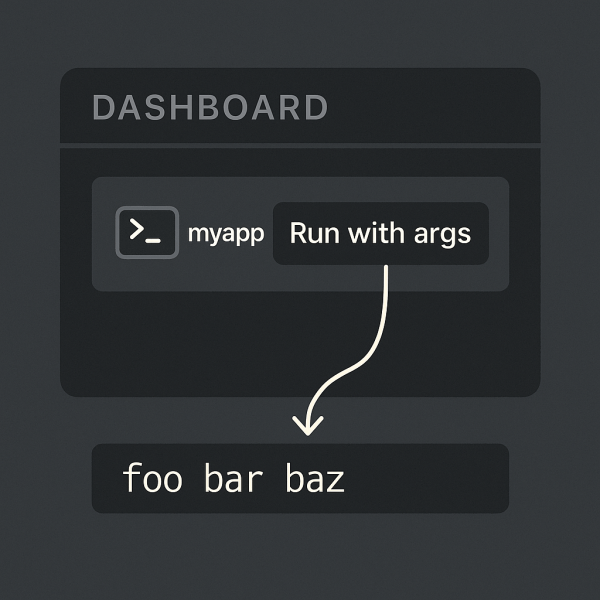
This post demonstrates a minimal example showing how to build an Aspire interactive command that lets you input arguments on the fly before launching a console app.

Folder layout

Here’s the structure of this sample:

06_DynamicCMDSample/
├─ App/
│  └─ Program.cs
├─ AppHost/
│  └─ Program.cs
├─ ServiceDefaults/
│  └─ (default configuration)
└─ README.md

This layout follows the standard Aspire application template:

  • App → a simple console project
  • AppHost → the orchestration layer (the Aspire “brain”)
  • ServiceDefaults → common defaults like logging and configuration
Continue reading “Building a Dynamic Command Sample with .NET Aspire”

Running a Python MCP server inside .NET Aspire

.NET Aspire isn’t limited to .NET microservices — you can orchestrate Python components just as easily.
In this post, we’ll look at how to run a Python MCP (Model Context Protocol) server inside an Aspire application, integrate it with the MCP Inspector, and expose it via a Dev Tunnel for testing.

Folder Layout

05_PythonMCP/
├─ AppHost.cs
├─ PythonMCP.csproj
├─ appsettings.json
├─ appsettings.Development.json
├─ NuGet.config
├─ README.md
└─ pymcp/
   ├─ main.py
   ├─ requirements.txt
   └─ (optional) .venv/

AppHost.cs

Here’s the full orchestration file:

var builder = DistributedApplication.CreateBuilder(args);

var inspector = builder.AddMcpInspector("mcp-inspector");

var tunnel = builder.AddDevTunnel("dev-tunnel");

var pyMcpServer = builder.AddPythonApp(
    name: "pymcp",
    appDirectory: "./pymcp",
    scriptPath: "main.py"
).WithHttpEndpoint(env: "PORT");

tunnel.WithReference(pyMcpServer, allowAnonymous: true);

inspector.WithMcpServer(pyMcpServer);

builder. Build().Run();
Continue reading “Running a Python MCP server inside .NET Aspire”

Running a Python FastAPI (Uvicorn) service from .NET Aspire

NET Aspire isn’t limited to .NET services. You can orchestrate a Python service (FastAPI on Uvicorn) right alongside your .NET components—same lifecycle, unified logs, single dotnet run.

Below is a minimal setup that boots a FastAPI app with health endpoint, exposes it via Aspire, and keeps everything tidy in one solution.

Folder layout

04_PythonUvicorn/
├─ AppHost.cs
├─ PythonUvicorn.csproj
├─ appsettings.json
├─ appsettings.Development.json
├─ README.md
└─ uvicornapp-api/          # Python app lives here
   ├─ main.py
   ├─ requirements.txt
   └─ (optional) .venv/

AppHost.cs (Aspire)

var builder = DistributedApplication.CreateBuilder(args);

var uvicorn = builder.AddUvicornApp(
        name: "uvicornapp",
        projectDirectory: "./uvicornapp-api",
        appName: "main:app"
    )
    .WithHttpEndpoint(targetPort: 8000)   // app listens on 8000
    .WithExternalHttpEndpoints();         // optional, expose to host

builder. Build().Run();
Continue reading “Running a Python FastAPI (Uvicorn) service from .NET Aspire”

Running a Vite Frontend from .NET Aspire

One of the nicest features of .NET Aspire is that it can orchestrate not just APIs and databases, but also frontends.
That means your backend, frontend, and supporting infrastructure can all be started with a single dotnet run — no separate terminal tabs, npm installs, or manual steps.

Let’s look at a minimal example where Aspire runs a Vite dev server directly from your project.

Folder Layout

Here’s the structure we’ll use:

03_ViteApps/
├─ AppHost.cs
├─ ViteApps.csproj
├─ appsettings.json
├─ appsettings.Development.json
└─ my-vite-app-npm/        # Vite project (package.json, src, index.html)

The .NET Aspire project (AppHost.cs) lives at the root, and your Vite app sits inside my-vite-app-npm/.

Continue reading “Running a Vite Frontend from .NET Aspire”

Building a simple reverse proxy with .NET Aspire and YARP

With .NET Aspire, you can spin up distributed applications and infrastructure components with almost no boilerplate.
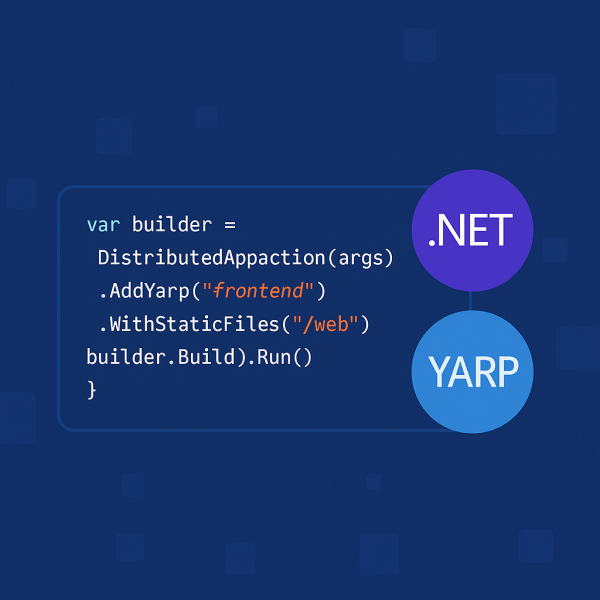
Here’s a minimal example that uses YARP (Yet Another Reverse Proxy) to serve a static frontend:

var builder = DistributedApplication.CreateBuilder(args);

builder.AddYarp("frontend")
    .WithStaticFiles("./web");

builder. Build().Run();

That’s all it takes to host a frontend inside an Aspire-managed app!

Continue reading “Building a simple reverse proxy with .NET Aspire and YARP”

Website Powered by WordPress.com.

Up ↑