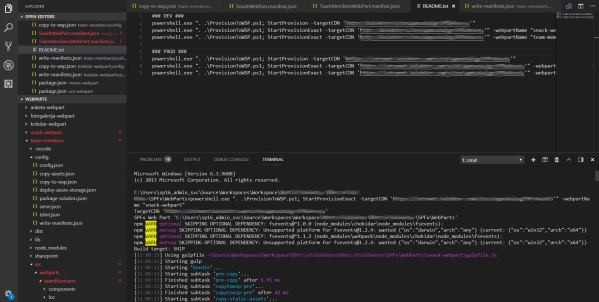
After weeks full of conferences (SharePoint Conference North America and Collaboration Summit Mainz) its time to go back to work and here is additional post for collection of blog posts how you could make provisioning of SPFx Web Parts to Classic SharePoint Sites inside of your WSP solution package:
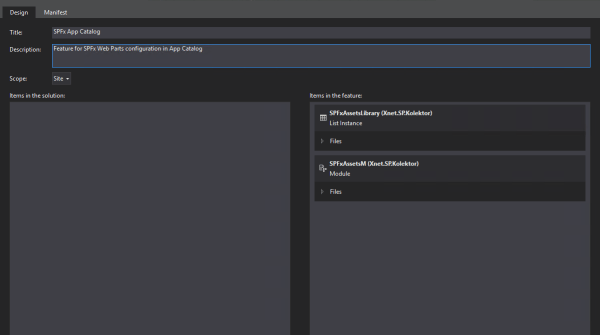
- Include SPFx Assets & Package inside of WSP
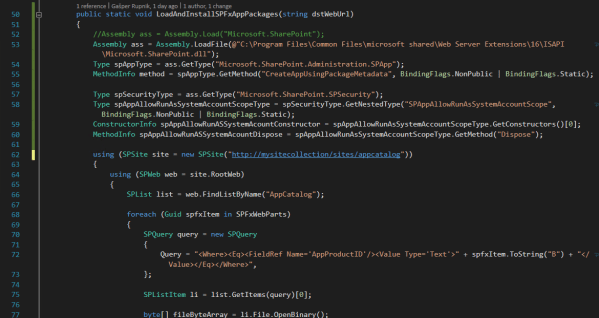
- Deploy SPFx Web Part to SharePoint Server 2016 App Catalog with WSP
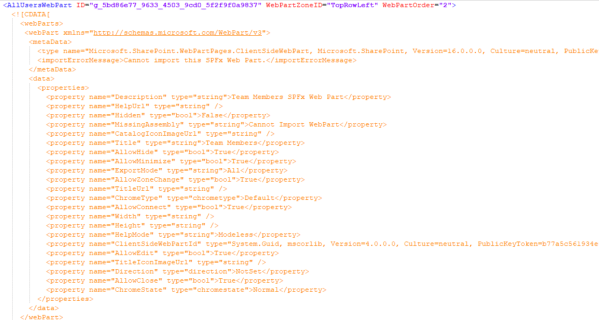
- Install SPFx Web Part to SharePoint Site/Web
- Include SPFx Web Part inside of Web Template
- Run all SPFx Gulp tasks with one custom PowerShell function (this blog post) [additional]
The idea is to run all these gulp tasks for deploying and packaging your SPFx Web Parts to WSP solution with one command.
gulp bundle --ship --copytowsp --target-cdn http://sp2016/sites/appcatalog/SPFxAssets
gulp copyassetstowsp
gulp package-solution --ship
gulp copypackagetowsp
And if we have more than one SPFx Web Parts we have to repeat this tasks multiple times. Continue reading “Provision SPFx Web Parts to Classic Sites – Part 5 (additional): Run all SPFx Gulp tasks with one custom PowerShell function”






 RaspeR87's Blog