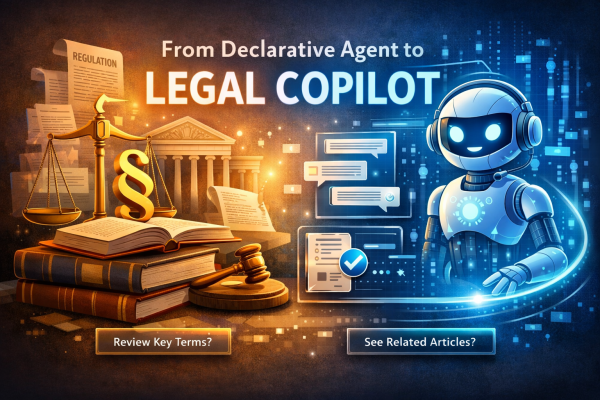
When teams first introduce a Microsoft 365 declarative agent into an existing system, the goal is usually straightforward: expose backend capabilities through a Copilot-friendly interface.
That’s useful—but not yet transformative.
The real shift happens when the agent stops being just a thin wrapper over an API and starts driving interaction based on grounded evidence. Instead of returning only an answer, the system begins suggesting the next valid step—and does so deterministically, based on real legal sources.
This article walks through that transition from an engineering perspective.
The problem with “one-shot” Copilot interactions
A typical declarative agent interaction looks like this:
- The user asks a question
- The backend returns an answer
- Sources are displayed
- The conversation stops
At that point, the burden shifts back to the user: What should I ask next?
In domains like legal or policy workflows, this is a serious limitation. The system already has the context, the sources, and the structure—but the interaction model doesn’t leverage it.
The challenge becomes:
How do we guide the user forward without letting the model improvise or hallucinate the next step?
Design goals
The solution was built around a few strict constraints:
- Only generate follow-up prompts when they can be grounded in real legal sources
- Keep the API contract stable (no Copilot-specific hacks)
- Make prompts directly actionable in the UI
- Avoid redundant or repeated suggestions
This leads to a key principle:
The system should not invent the next step. It should derive it from evidence.
Architecture overview
The implementation builds on top of an existing “rich answer” pipeline.
High-level flow:
- Backend returns an answer (text + sources)
- A parser extracts structured data from the response
- Source metadata is analyzed
- A prompt builder evaluates whether grounded suggestions can be generated
- If conditions are met → prompts are emitted
- UI renders them as clickable actions
This keeps the system data-first:
- Backend = logic + structure
- UI = rendering only
No hidden heuristics in the frontend.
Continue reading “From Declarative Agent to Source-Grounded Legal Copilot”


 RaspeR87's Blog