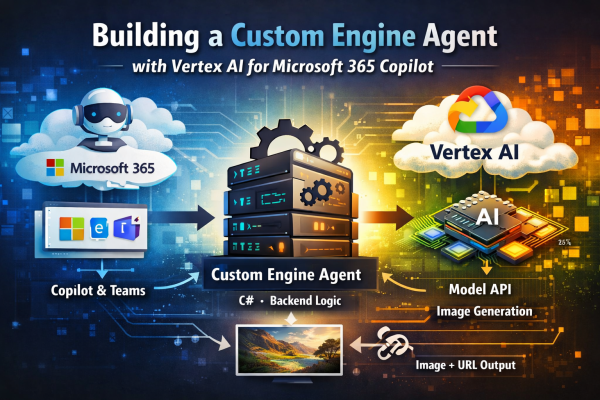
How to design a backend-owned Copilot agent and integrate Google Vertex AI cleanly across cloud boundaries.
Introduction
Extending Microsoft 365 Copilot often starts with declarative agents or lightweight plugins. That works well—until you need full control.
In this project, the goal was different:
- keep orchestration inside a backend we fully own
- integrate an external model provider (Google Vertex AI)
- expose the result through Microsoft 365 surfaces like Teams and Copilot
This led to a Custom Engine Agent architecture, where:
Microsoft handles the channel.
Your backend owns the behavior.
This article focuses on two key areas:
- how to structure a Custom Engine Agent properly
- how to integrate Vertex AI as a first-class backend component
Why a Custom Engine Agent?
Instead of a declarative setup, the system is built as a backend-driven agent that can:
- accept activities from Teams or Copilot
- orchestrate prompt preparation in C#
- call Vertex AI directly
- persist generated assets and metadata
- expose public download URLs
- evolve independently of Microsoft 365 packaging
The key architectural decision:
Keep Microsoft 365 at the boundary — everything else is regular backend code.
High-Level Architecture
Copilot / Teams ↓Custom Engine Agent host (Microsoft Agents SDK) ↓Agent (activity → domain translation) ↓Engine (use case logic) ↓Orchestrator (prompt preparation) ↓Vertex AI client ↓Storage (assets + metadata) ↓Response (image + URL)
Key design rule
- Host → thin
- Agent → channel-aware
- Engine → business logic
- Vertex client → provider integration

 RaspeR87's Blog