In previous posts, we’ve seen how .NET Aspire can orchestrate multi-service setups — from running Python APIs to launching Vite frontends.
But Aspire can also do something more subtle and powerful: dynamically control how resources start and run — even with custom arguments at runtime.
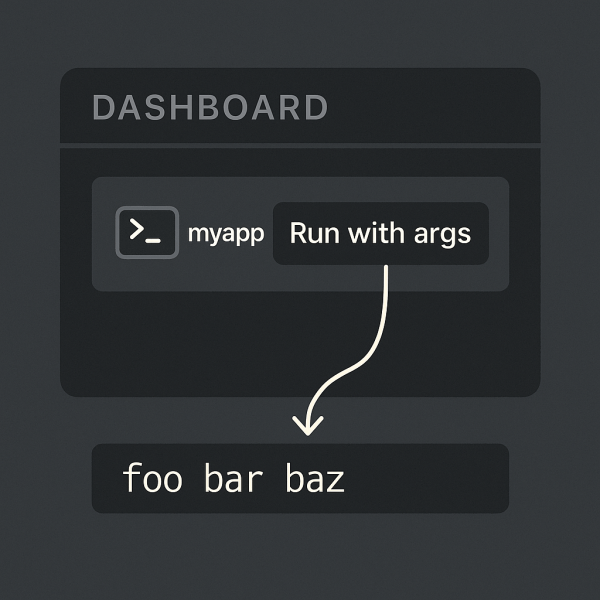
This post demonstrates a minimal example showing how to build an Aspire interactive command that lets you input arguments on the fly before launching a console app.
Folder layout
Here’s the structure of this sample:
06_DynamicCMDSample/
├─ App/
│  └─ Program.cs
├─ AppHost/
│  └─ Program.cs
├─ ServiceDefaults/
│  └─ (default configuration)
└─ README.md
This layout follows the standard Aspire application template:
- App → a simple console project
- AppHost → the orchestration layer (the Aspire “brain”)
- ServiceDefaults → common defaults like logging and configuration

 RaspeR87's Blog